
Edit it properly
Trim and reorder segments from one video, add an audio track, and keep the moments that matter.
One source videoon a trimming timeline
Try an idea
This link opens Vidione, a separate video editor. Your note is not sent there; copy it before continuing.

The link opens Vidione, a separate browser editor. Sign in to trim one video into segments, work with captions and audio, and export the result; AI generation requires a paid subscription.
Trim and reorder segments from one video, add an audio track, and keep the moments that matter.
One source videoon a trimming timeline

Bring captions, audio and visual adjustments into the same editing flow, then make each scene feel like your own.
One workspacefor the finishing touches

Finish your edit and prepare a video for the channels where your audience will watch it.
From ideato a video ready to share
These are story ideas, not automatic templates. The linked editor can trim one source video and add audio or image overlays; it does not stitch separate video files together.
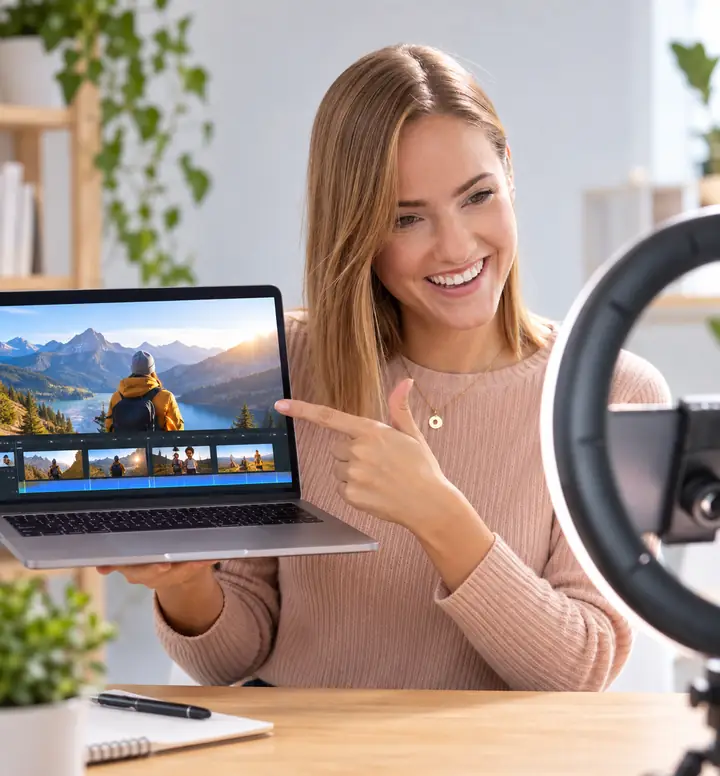
Shape a clip into a vertical video that's ready for a social feed.
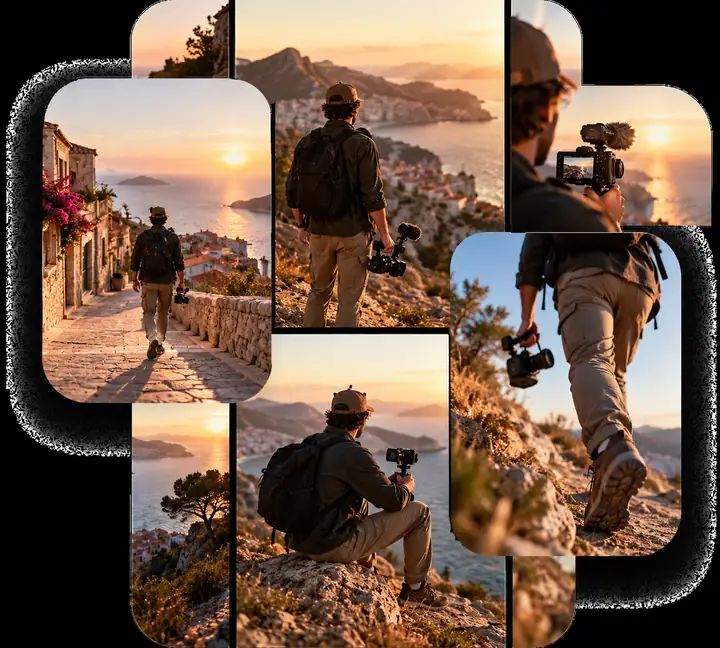
Find the moments worth sharing and give each one its own edit.
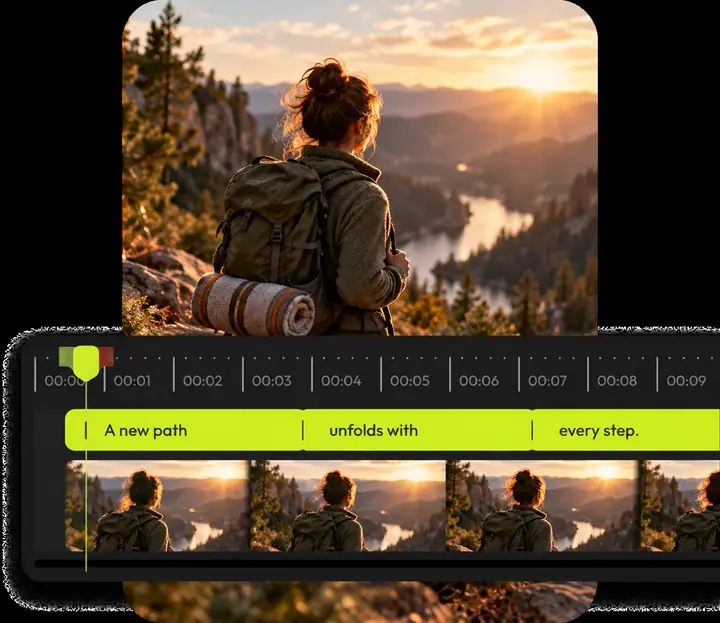
Check the words and timing yourself before exporting a captioned edit.
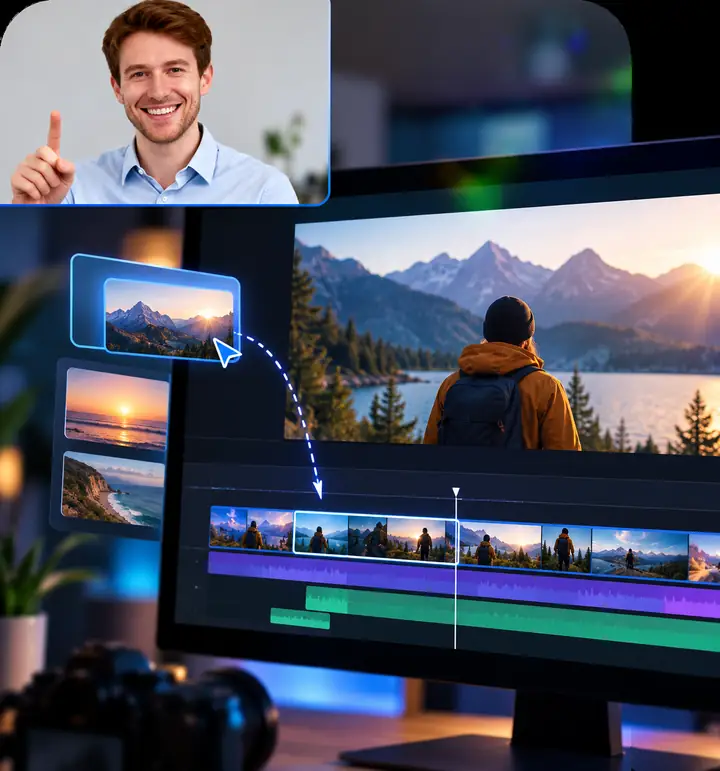
Pair your screen and voice to explain how something works.

Turn a process into a video your team can watch and revisit.
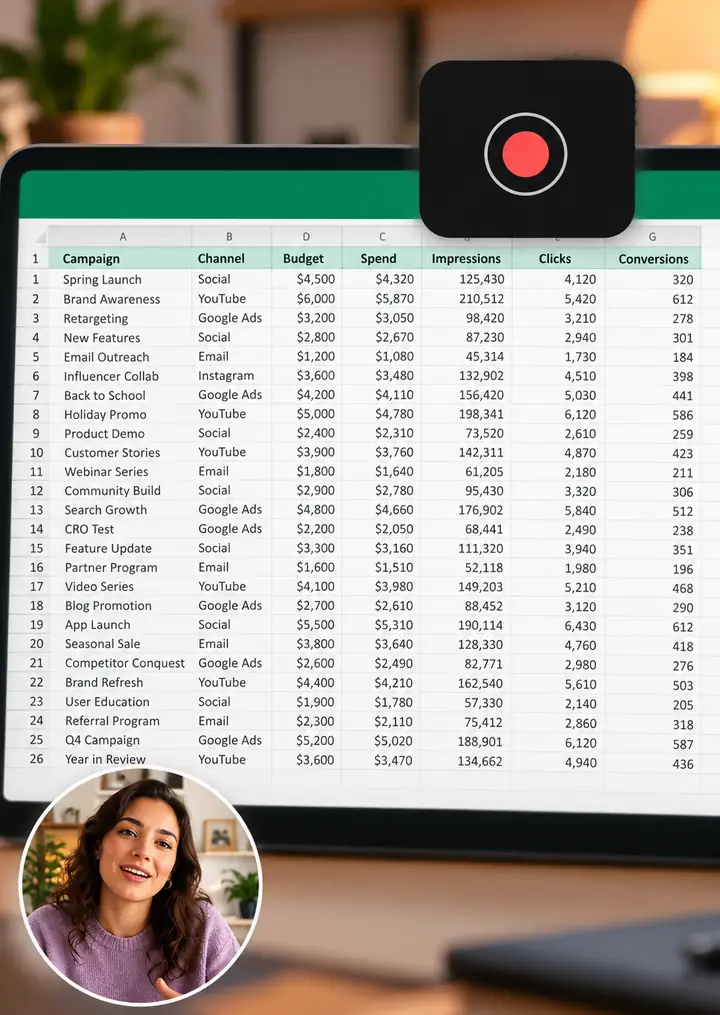
Import an existing screen recording and refine the walkthrough before sharing.
Build the edit in your own project, inspect the exported file, and gather feedback using the channels your team already uses.

Watch the complete export and collect comments outside the editor before making the next revision.

Review framing, captions and pacing across the segments of your source clip.
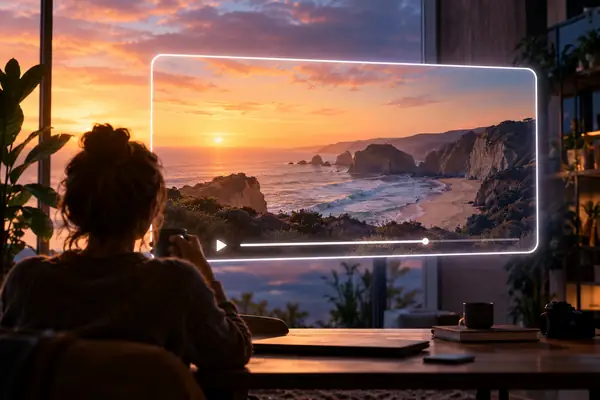
Download the finished video, check it on another device, and publish it where your audience watches.
A few small checks can make the finished video easier to follow.
Does the first moment tell viewers why to keep watching?
Listen to the exported sound on headphones and speakers before sharing.
Review every word and its timing before export.
Play the downloaded video at desktop and phone sizes.
Whether you are finding your first idea or polishing a team's next release, start with the workflow that fits.
Find a direction for your next video.
Start with an idea
A useful starting point for a new project.
Start creatingMake it yours
Shape one source clip into a story.
Build the edit
Trim and reorder sections of the same source video.
Start creatingMake it yours
Make the details feel finished.
Refine your video
Move from a rough cut to a cohesive edit.
Start creatingMake it yours
Get your finished work ready to go.
Ready to publish
Think about where your audience watches.
Start creatingMake it yours
This is an independent Flixier-inspired guide. The creation link opens Vidione, a separate browser editor where you can trim one source video and export an edit after signing in.
The link opens Vidione rather than Flixier. After signing in and choosing a supported model, enter a new prompt there. Paid AI generation creates a short clip that you can trim or caption; your draft from this page does not transfer.
This guide opens Vidione, not Flixier. Supported AI generation requires a paid subscription; you can also sign in to trim an imported video and work with its audio and captions without buying a generation job.
A generated clip is often only one part of a video. The linked editor lets you trim and reorder segments of one source video, add an audio layer and review subtitles before export. It does not promise joining several different source videos.
Its browser-based approach brings recording, editing and finishing tasks into an accessible workspace.
You can look through the workflows and choose the type of video you want to make before continuing to the editor.
Export a draft and collect feedback through the channels your team already uses. This editor does not promise shared projects or in-editor commenting.
Flixier works in a browser, making it an option to explore when you do not want to install desktop editing software.
Start with the footage, audio and images for your project; check the editor for the currently supported import options.


